
Mobile Skrill Casino Gaming: App and Browser Reviews
 Available in GB
Mobile Cashier Security and Skrill App Preference
If you want to understand how people actually use Skrill at casinos, put down the laptop and pick up your phone, because that is where almost all of it now happens. The desktop cashier is a museum piece for most players. The phone is the default, and any honest guide to Skrill casino play has to start from that reality rather than pretending the screen sizes are interchangeable.
The data leaves no room for argument. Roughly 74 per cent of all Skrill transactions take place on mobile, and app usage has been growing around 38 per cent, which means the wallet is increasingly a phone-first product whose desktop life is an afterthought. When most of a wallet’s transactions happen on a handset, the operators and the wallet itself optimise for the handset, and the experience follows the crowd.
So the real question for a mobile player is not whether to use a phone but how — specifically, whether to deposit through the Skrill app or through your mobile browser, and whether iOS and Android behave the same way. Those are the choices that actually shape your night, and the rest of this piece is about getting them right.
Skrill App vs In-Browser Payment
People assume the app and the browser are the same thing in a different wrapper. They are not, and the difference shows up at the two moments you care about most: logging in and confirming a payment. Each route has a genuine edge, and which one wins depends on how you play.
The browser route keeps everything inside one window. You open the casino in your mobile browser, hit the cashier, choose Skrill, and authenticate through a redirect or pop-up. It is universal — it works on any phone with a browser and needs nothing installed — but it leans on browser pop-ups and redirects, which are exactly the things that fail when a browser blocks scripts or a session times out. With three-quarters of Skrill activity already on mobile, the browser flow is the path of least setup but the one most exposed to the small technical hiccups that plague mobile sessions.
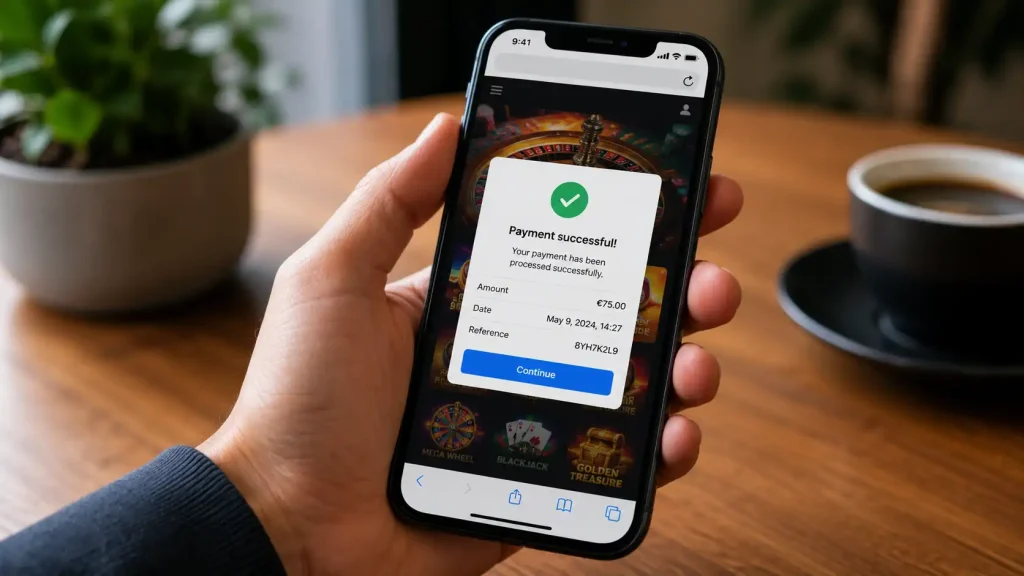
The app route trades universality for smoothness. With the Skrill app installed, the authentication can hand off to the app and back, biometrics replace typed passwords, and the whole confirmation feels native rather than bolted on. The app is also where features like one-tap deposits feel most at home, because the device-level security the app uses is what makes frictionless confirmation safe. The cost is that you have to install and maintain it.
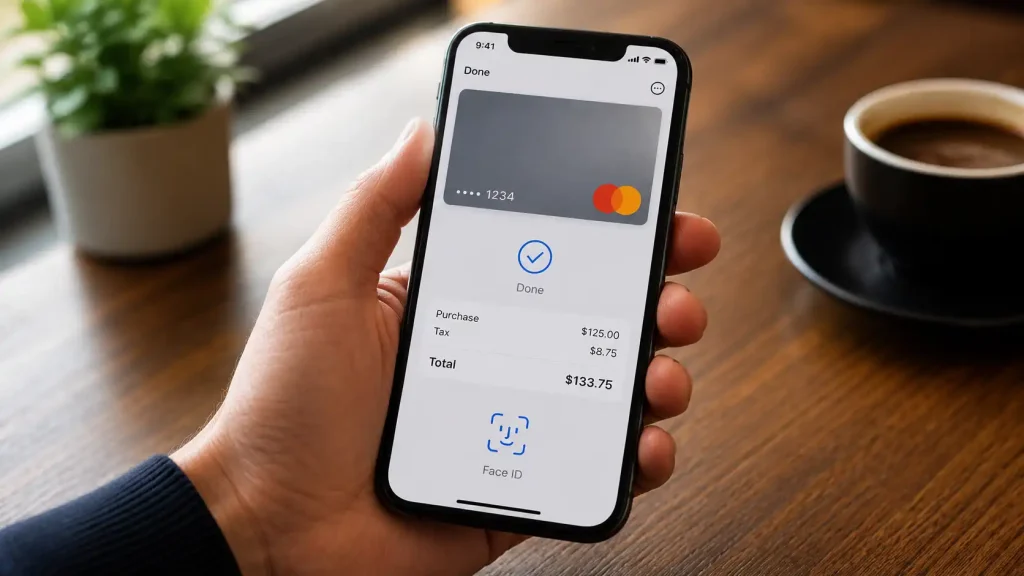
My practical line is this: if you play at one or two casinos regularly, the app pays for itself in smoothness and fewer failed deposits, and it pairs naturally with the Skrill 1-Tap fast-deposit feature. If you dip into many sites occasionally, the browser route saves you cluttering your phone with a login you barely use. Match the tool to your habit and stop worrying about which is objectively “better”, because there isn’t one.
iOS and Android Differences
I get asked whether iPhone or Android players have it easier, and the honest answer is that the gap is smaller than the tribalism suggests — but it is not zero. The differences are real, they are just narrower than people expect.
The platform split among UK bettors is almost even: 53 per cent bet from an iPhone over the past year and 47 per cent from an Android device. That near-balance is why neither Skrill nor the casinos can afford to treat one platform as secondary, and why the core deposit and withdrawal experience is built to feel the same whichever phone you hold. The fundamentals — log in, choose Skrill, confirm — are identical across the two.
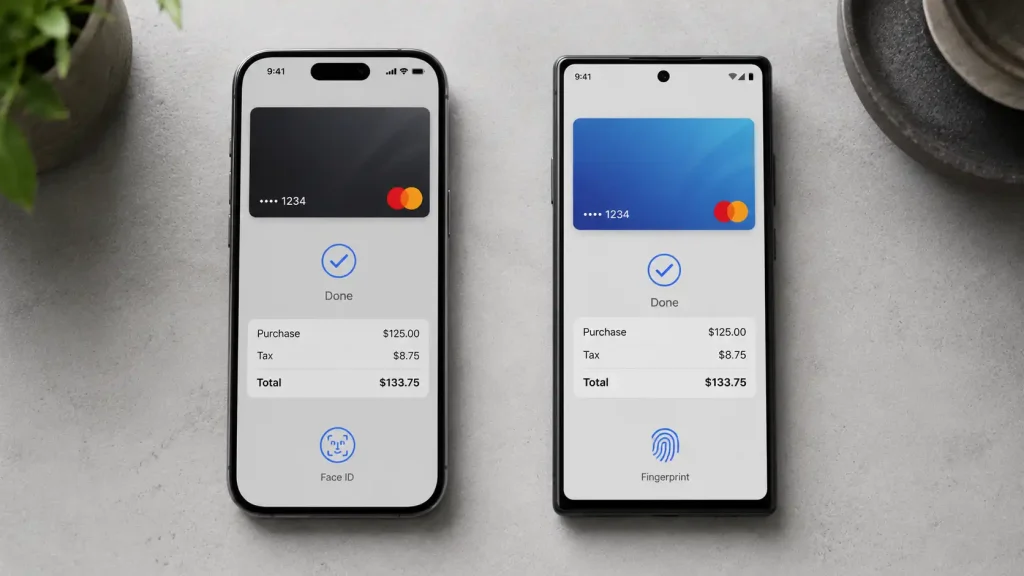
Where you do see divergence is in the edges. Biometric authentication behaves slightly differently between Face ID and Android’s fingerprint and face options, app-store update cadences differ so one platform may get a new build a touch sooner, and notification and permission handling vary in ways that occasionally affect how a payment confirmation surfaces. None of these change what you can do; they nudge how it feels. An Android user and an iPhone user making the same Skrill deposit will both get there, sometimes by a marginally different tap path.
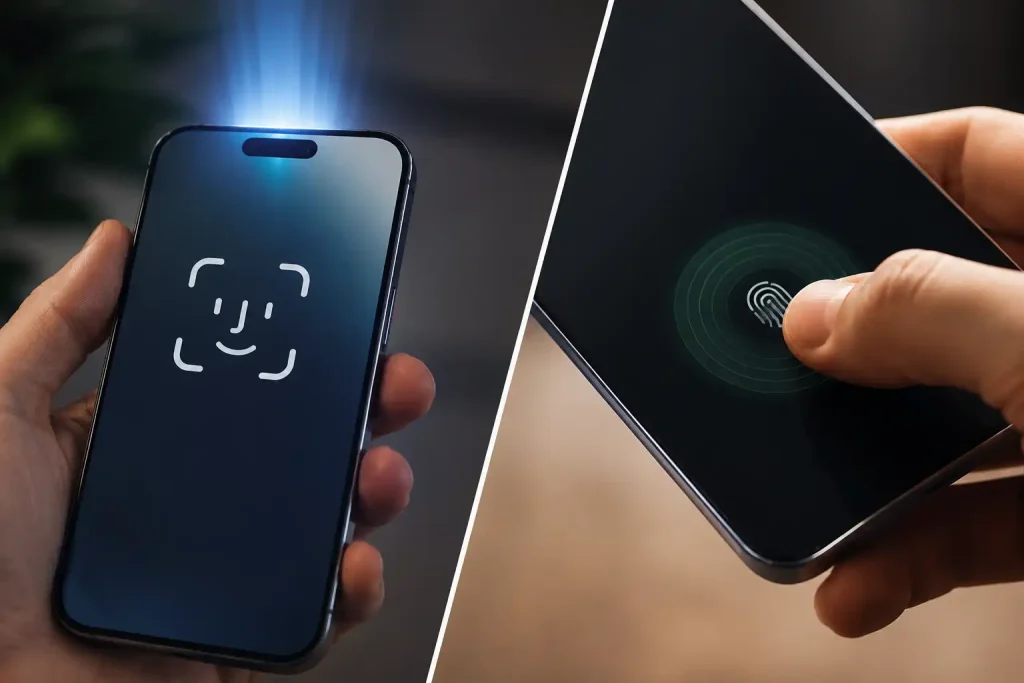
The takeaway is liberating: you do not need to switch phones or feel disadvantaged by your platform. Keep whichever you have updated, learn its biometric quirk once, and the iOS-versus-Android question stops mattering. The wallet was built for a market that is split right down the middle, and it shows.
Staying Secure on a Phone
A phone is the most personal device most of us own and, paradoxically, one of the easiest to lose, leave on a train, or hand to a child. That is the context for mobile wallet security, and it is why a few habits matter more on a handset than they ever did on a home computer.
It is worth knowing that players already rate wallets highly on safety: 57 per cent of online bettors consider digital wallets the safest way to pay, and 65 per cent regard them as the fastest route to their winnings. That confidence is well-founded at the wallet level — the encryption and tokenisation behind Skrill are genuinely strong — but on mobile, the weak link is rarely the wallet. It is the device.
So secure the device first. A strong screen lock and biometric unlock mean a lost phone is not an open wallet. Keep both the Skrill app and your phone’s operating system updated, because security patches are exactly what stand between you and known exploits. Avoid making deposits on public, unsecured Wi-Fi, where a network you don’t control sits between you and your money, and prefer mobile data or a trusted connection. And turn on every transaction notification Skrill offers, so an unexpected payment pings your phone the instant it happens rather than surfacing on a statement weeks later.

Do these few things and mobile play is as safe as any desktop session, arguably safer given the biometric layer a phone adds. The fast, smooth experience that makes mobile the default does not have to cost you security — it just asks you to treat the handset itself as the thing worth locking down. The wallet’s defences are strong; the device’s defences are the part you actually control, and that is where a few minutes of setup repays itself many times over.
Do I need the Skrill app to deposit on mobile?
No. You can deposit through your mobile browser by choosing Skrill at the casino cashier and authenticating via a redirect or pop-up. The app makes the flow smoother and enables biometric confirmation and one-tap deposits, but it is optional. Frequent players tend to prefer the app; occasional players often stick with the browser.
Are payouts faster from the Skrill app?
The withdrawal speed is set by the casino"s processing and the wallet"s settlement, not by whether you used the app or the browser. The app can make confirming and tracking a payout more convenient, but it does not move money faster. The real determinant of payout speed is the casino, not your choice of mobile interface.
Articles
Written by the editors at Skrill Casino.